Contact the University of Waikato
Learn who to contact to discuss study options, get support with the enrolment process, learn more about scholarships, accommodation, student support and other services.

Student enquiries
Prospective students, and their families and whānau, can talk to Future Students Advisors about study options, get support with the enrolment process, and learn more about scholarships, accommodation, student support and other services.
Already found your course?
Contact information
International enquiries
Monday–Friday NZT 1pm–2am
Campus contact
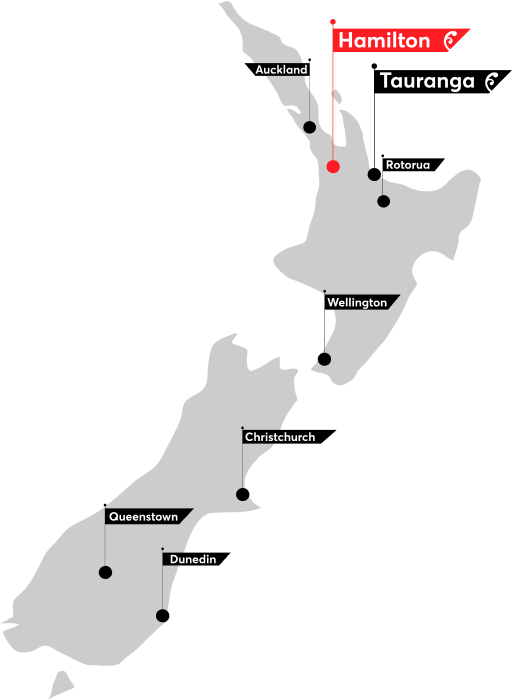
Hamilton campus
Physical address
The University of Waikato Te Whare Wānanga o Waikato Gate 1, Knighton Road Hamilton 3240
Postal address
Private Bag 3105 Hamilton 3240 New Zealand
Courier
The University of Waikato Mailroom, Gate 3a, 209 Te Koorama Place, Hamilton 3216
Hamilton campus links
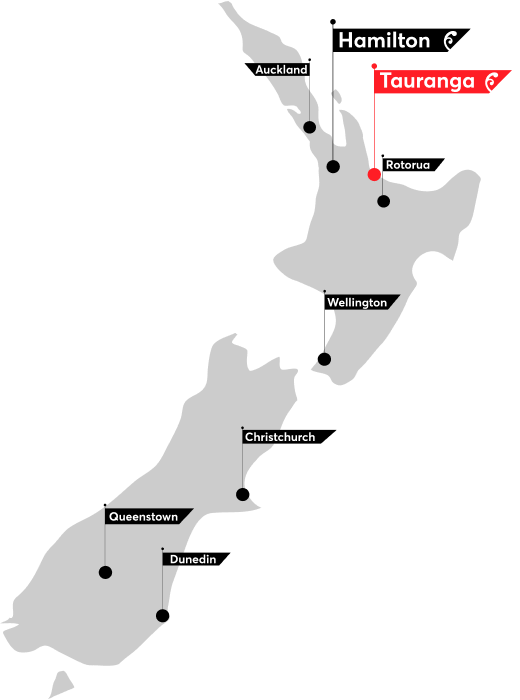
Tauranga CBD campus
Physical address
101-121 Durham Street Tauranga 3110
Postal address (via Hamilton):
Private Bag 3105 Hamilton 3240 New Zealand
Tauranga
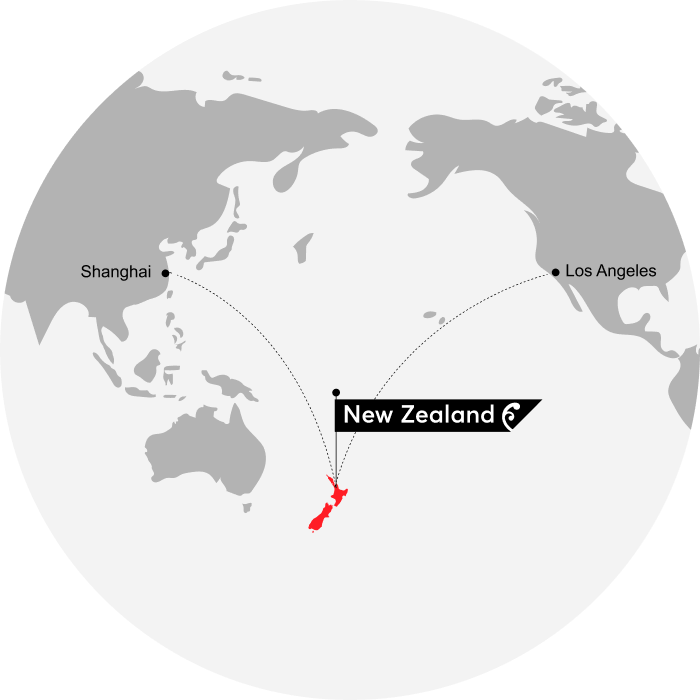
NZUWI
New Zealand University of Waikato Institute (NZUWI)
No.50 Huzhou Street Gongshu District Hangzhou China 310015
-
Hamilton
Physical address
The University of Waikato Te Whare Wānanga o Waikato Gate 1, Knighton Road Hamilton 3240Postal address
Private Bag 3105 Hamilton 3240 New ZealandCourier
The University of Waikato Mailroom, Gate 3a, 209 Te Koorama Place, Hamilton 3216Hamilton campus links
-
Tauranga
Physical address
101-121 Durham Street Tauranga 3110Postal address (via Hamilton):
Private Bag 3105 Hamilton 3240 New ZealandTauranga
-
China
New Zealand University of Waikato Institute (NZUWI)
No.50 Huzhou Street Gongshu District Hangzhou China 310015

Follow us
Follow the University of Waikato on social media for the latest news, updates, and announcements. View all of our Social Media accounts.

To follow the University of Waikato on WeChat:
- open your WeChat app
- scan the QR code.