Library resources and borrowing
We host diverse resources, including Mātangireia for Indigenous materials and O Neherā for digital content, with over a million print volumes and online resources.
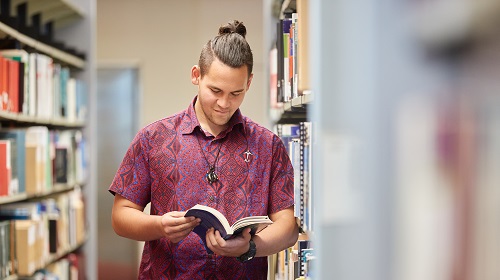
Borrowing
You can borrow books and other items by issuing them at the self-issue machines in the Library or by visiting the Level 2 service desk.
If an item is not available on the shelf, place a request through Library Search and we will notify you when it is ready to be picked up.
Use My Account to manage your loans, check due dates, renew items, and view fines or fees.

Items can be renewed throughout the academic year, up to a maximum of:
- 300 days (postgraduates and staff)
- 150 days (undergraduates)
These maximum loan periods include all renewals. An exception applies if an item is recalled.
If you are unsure about your borrowing limits, see Library membership for more information.
To renew a Library item:
- Go to My Library Account.
- Use the Self Return and Issue machines in the Library, or
- Bring the items to the Service Desk on Level 2
All items are subject to recall. If you receive a recall notice, return the item by the specified due date.
- You can return items during business hours or the after hours slot at the Hamilton Campus Library.
-
Posted Items can be sent back to the University of Waikato Hamilton Campus Library.
All current fines are detailed on My Account in the "Fines + fees" section.
Library fees may be paid at the Hamilton Library Service Desk or by Internet Banking:
- University of Waikato (payee) bank account number: 12-3122-0084728-00
- Please include the following in the payee detail fields:
- Particulars: Lib fine
- Reference: student ID number
- Code: Surname & first initial (e.g. Bloggs M)
Advise the Library by emailing libycirc@waikato.ac.nz when payment is made so that your record can be adjusted.
Students and staff can borrow:
- 100 items per person, at any one time
Associate and Alumni members can borrow:
- Ten items per person, at any one time.
You can borrow AV equipment from the Library!
Borrowing from other libraries
If the Library doesn’t have the item you need, you can request it from another library. This service is called an interlibrary loan (interloan).
If you already know the item
- Log in to your Interlibrary Loan account.
- Click “Create Request.”
- Fill in the form with as much detail as possible.
- Submit your request.
If you want to search first (recommended)
- Go to Library Search.
- Change “Our library” to “Books from other libraries.”
- Find your item and click “Get it.”
- Follow the steps to submit your request.
✔ Please select your pickup location when placing your request.
- We will email you about your request.
- We use the email address saved in your Interlibrary Loan account (under Communication Preferences).
- We usually contact you within 7 days.
If you do not hear from us:
- Check your spam/junk folder.
- Check your email address is correct in your account.
- Then contact us at interloan@waikato.ac.nz or +64 7 837 9139.
- Place your request early. Allow at least two weeks.
- Books usually take longer to arrive than articles.
- Accurate details help us process your request faster.
If your request is urgent:
- Place the request as normal.
- Then email interloan@waikato.ac.nz or phone +64 7 837 9139 so we can prioritise it.
⚠ Urgent requests may have a cost.
Books will be posted to the address listed on your library record.
“Library use only” items cannot be posted. Contact Interlibrary Services before placing your request if you need one of these items.
Most interlibrary loans can be renewed, but approval depends on the lending library.
To request a renewal, email interloan@waikato.ac.nz.
Return items to the Service Desk where you collected them, or post them to Interlibrary Services.
See our Contact page for the current postal address.
By using the Interlibrary Loan service, you agree to follow New Zealand Copyright Act rules.
- You cannot copy or share the documents you receive.
- Only limited journal articles can be requested from the same issue.
- Items may have special conditions set by the lending library.
- Overdue fines may apply.
- You must pay charges for lost or damaged items.
- Not following conditions may result in loss of borrowing privileges.
Books, journals & media collections
We offer a wide range of resources, from books and journals on Levels 3 and 4 of the Hamilton Campus Library to a diverse range of media and special materials. Most items in our physical collections can be requested for delivery or scanning by registered distance and Tauranga students.
For help accessing resources, contact library@waikato.ac.nz.
CD Collection:
- The Music CDs are kept in bins on Level 3 of the Hamilton Campus Library and in the Teaching Resources Library. They need to be issued at the Library Service Desk. Headphones are also available from the Library Service Desk.
DVD Collection:
- A collection of DVD feature films is available on Level 3 of the Hamilton Campus Library.
A collection of graded English Language Readers is available on Level 3 in the Hamilton Campus Library.
The University of Waikato Library boasts a collection of law resources to support teaching and research in the Faculty of Law. These resources are available to the campus community and are located on Level 3 in the Hamilton Campus Library.
Microfilm and microfiche are located on Level 4 of the Hamilton Campus Library. There is a microform reader/printer available near the collection. Please Contact Us for more information.
The Library has a closed-access area where we keep lesser-used material. All the items are listed in and can be requested from Library Search. Retrieval time varies, but is usually within 48 hours. Storage items include older runs of journals or sets, superseded editions of textbooks, duplicate copies of books, and material which is no longer current but may be of historical interest.
The Teaching Resources collection contains books and other resources to assist in preparation and planning for teaching, and for use in schools and early childhood centres during teaching practice. It is located on Level 3 of Te Manawa.
Taonga & Artworks
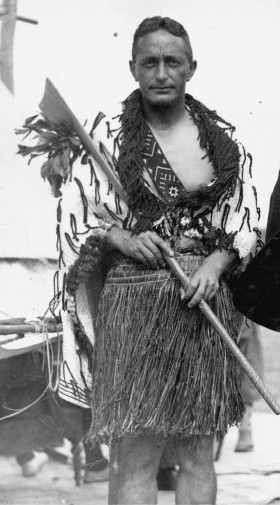
Nga Taonga o Māhi Māreikura
Huakina! Riariakina! Kia hahaina, kia rangahia! Open! Explore! Grasp knowledge and bring it together! Discover the treasures & works of Dr. Pei te Hurinui Jones.
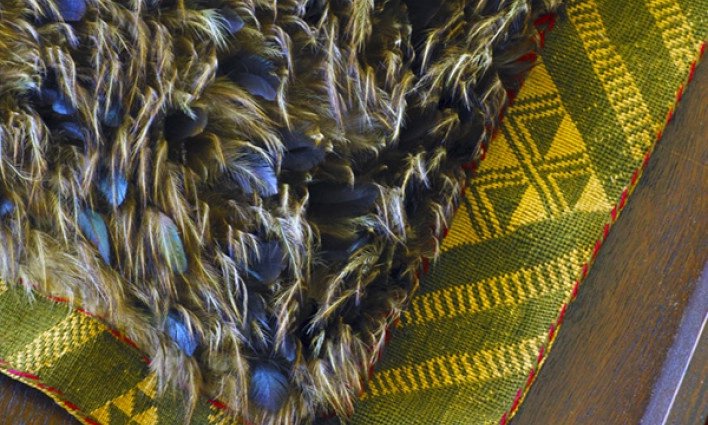
Nga Taonga o Te Iho o te Manawataki
Since 1964, the University of Waikato has been kaitiaki of taonga held by the University Library, including significant cultural and art collections
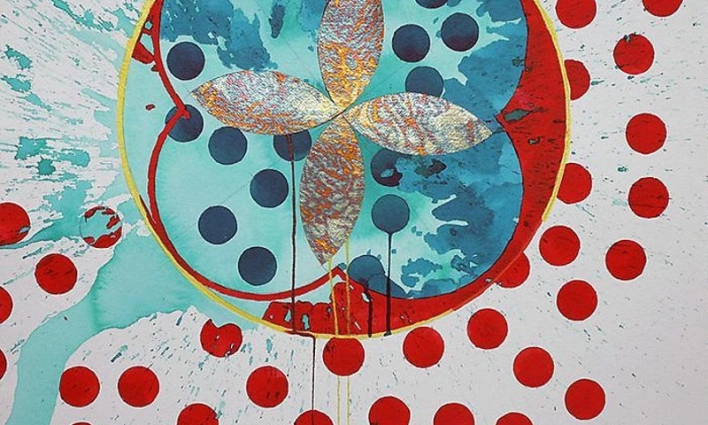
University Art Collection
Holding over 600 artworks the collection consists of a broad range of contemporary art and taonga including paintings, works on paper, photography, textiles, ceramics, sculpture, whakairo and mixed media, amongst others.
Online Resources
O Neherā
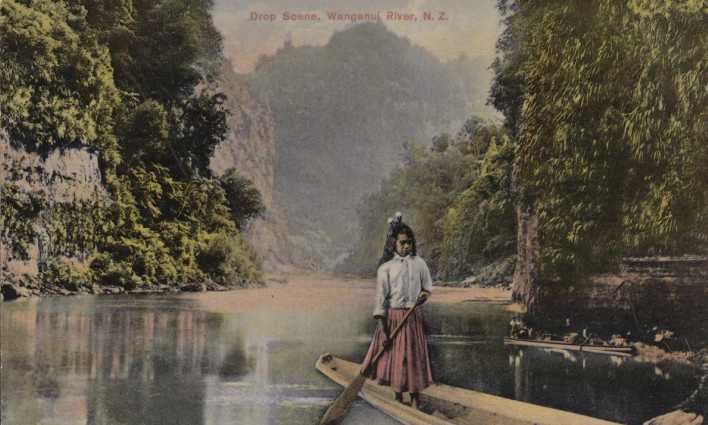
Browse or search our digital archives, featuring historical images, documents, and first-hand accounts offering unique local insights into Waikato and Aotearoa New Zealand. Includes non-digitised collection information.
Databases A-Z
A collection of databases spanning various subjects and topics essential for research and assignments. Need help navigating? Contact us for expert assistance.

Research Commons
Explore the University of Waikato's Open Access repository featuring research publications, theses, and dissertations authored by our faculty and students.
Book Delivery and Scanning
Registered Distance and Tauranga students can request physical items to be delivered to their home address or request scans of selected materials.
- Sign in to Library Search
- Find the item and open its full record
- Select Request and choose Home address (Personal Delivery)
- Submit your request
Please allow 5–10 working days for delivery. You can track your requests through My Library Account.
To use personal delivery, you must be registered for distance services. See Library membership – Distance students for eligibility and registration.
Students are responsible for returning borrowed items to the Library.
Postal address for returns:
The University of Waikato Library
Private Bag 3105
Hamilton 3240